
 In beta · iPhone & iPad
A screen that fits every kid.
GenKids makes the text bigger, the contrast stronger, the colors clearer, or the sounds easier — set up once by a grown-up, switched on by the child with one tap, and put back the way it was just as easily.
A separate app from GenVision, also available as a mode inside it.
For the kid, the parent, and the classroom.
Students & kids
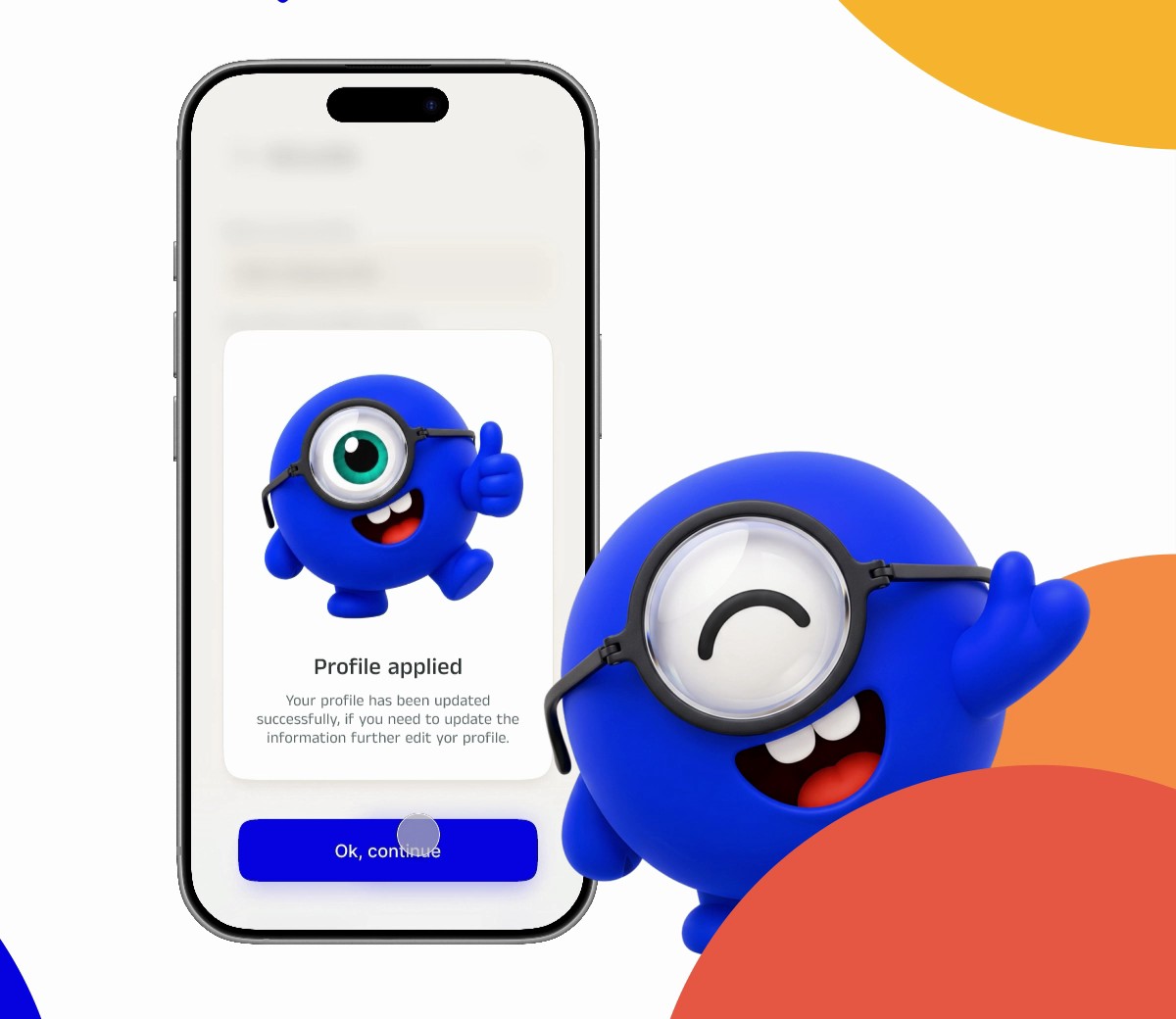
A friendly guide walks through a few simple steps — which text is easiest to read, which colors look right, whether a sound was heard — and turns the answers into settings that just feel better.
Parents & caregivers
You set up the profile and keep control of it. Your child gets a single, clearly labeled switch. The family iPad goes back to normal for everyone else with the Default profile.
Teachers & schools
Several students can share one device, each with their own profile. Settings are explained in plain language so classroom staff don't need to be the tech expert.
Seven friendly steps, with a guide along the way.
Kids setup is built to be done together, or by an older student on their own. Each step is one question with big, clear choices — and the guide character keeps it light.
- Which text feels easiest to read?
- Can you see the shape in this picture? (color vision)
- Did you hear this sound? (hearing comfort)
- Do moving things on screen bother you?
- Glasses on or off today?
- A preview of the new settings before they're saved
- Pick a name and an icon for the profile
Same engine as GenVision. Made gentler.
Bigger, bolder text
Dynamic text size and bold text, set to what the child picked — across the apps they use.
Contrast & color
Increase contrast, reduce transparency, and color filters for the common kinds of color-vision difference.
Hearing comfort
Where iOS allows it, the profile can carry sound and VoiceOver preferences too — the first step toward a vision-and-hearing profile.
Calmer motion
Reduce motion and reduce white point for kids who find movement and brightness tiring.
One switch for the kid
A single, big, clearly named control. No menus to get lost in. A grown-up keeps the settings behind it.
Shared devices
Profiles for several children on one iPad, plus a Default that returns it to normal.
Its own app — or a mode inside GenVision.
GenKids is a separate app on the App Store, so a child's device can have just that. If a parent or teacher already uses GenVision, the same Kids experience can be switched on from a profile's settings without a second download.
Bring GenKids to your classroom.
We're working with schools, libraries and programs that manage shared or issued devices. Tell us about yours and we'll set up access.
Request institutional access
For schools, districts, libraries and youth programs. One email with your organization and roughly how many devices.
Email to request accessNo mail app? Write to hello@genvapp.com with the subject “GenVision institutional access request”.
Join the family beta
For parents and caregivers trying GenKids at home on an iPhone or iPad.
Email to join the betaPlease request on behalf of a child as a parent, guardian or educator.
A few things worth knowing.
- It isn't a vision or hearing test. The setup questions estimate comfort so the settings feel right; they don't screen for or diagnose anything. For concerns about a child's eyes or hearing, see a pediatrician or specialist.
- Grown-ups stay in control. Profiles are created and edited by a parent, guardian or educator. The child's switch applies or removes them; it doesn't change what's inside.
- We collect as little as possible. See the Privacy Policy for how children's information is handled.
- It's in beta. We're still refining the Kids setup with families and classrooms, and we'd love your feedback.